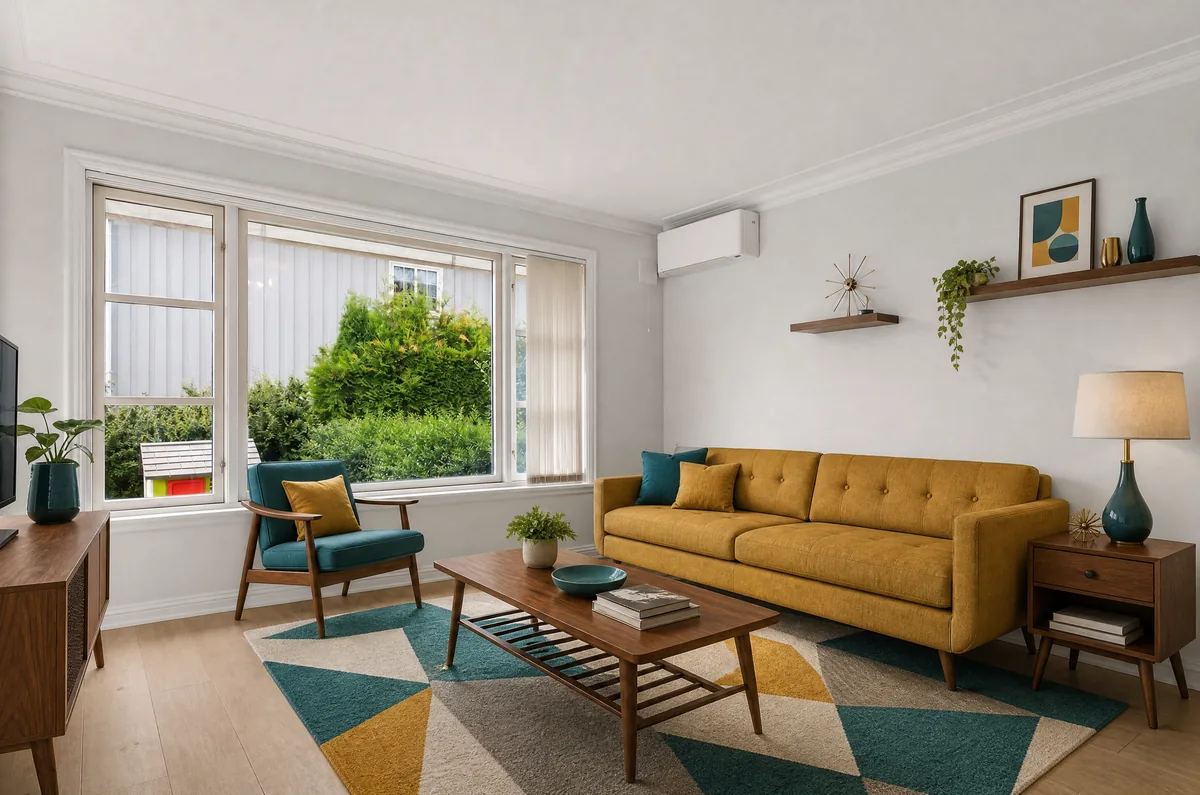
Mid-century, at home
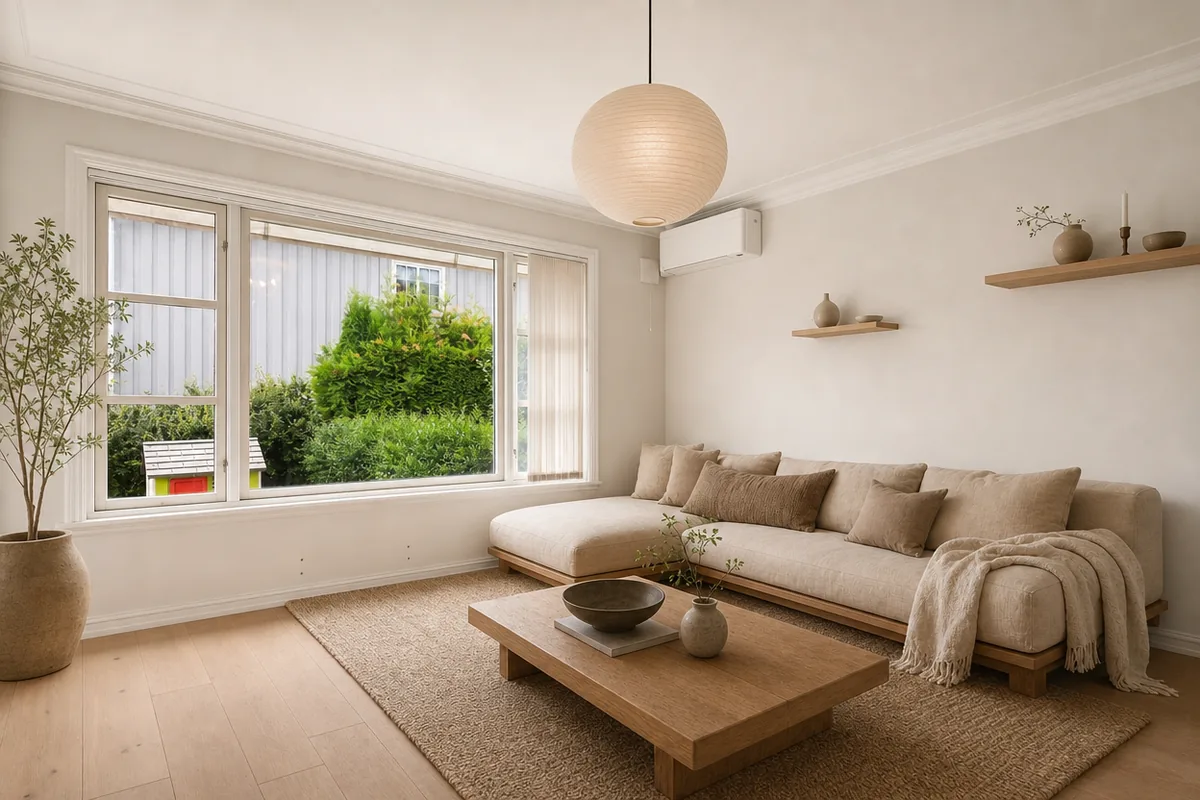
Japandi
Living Room. Oak, linen, and gentle light.
AI-generated example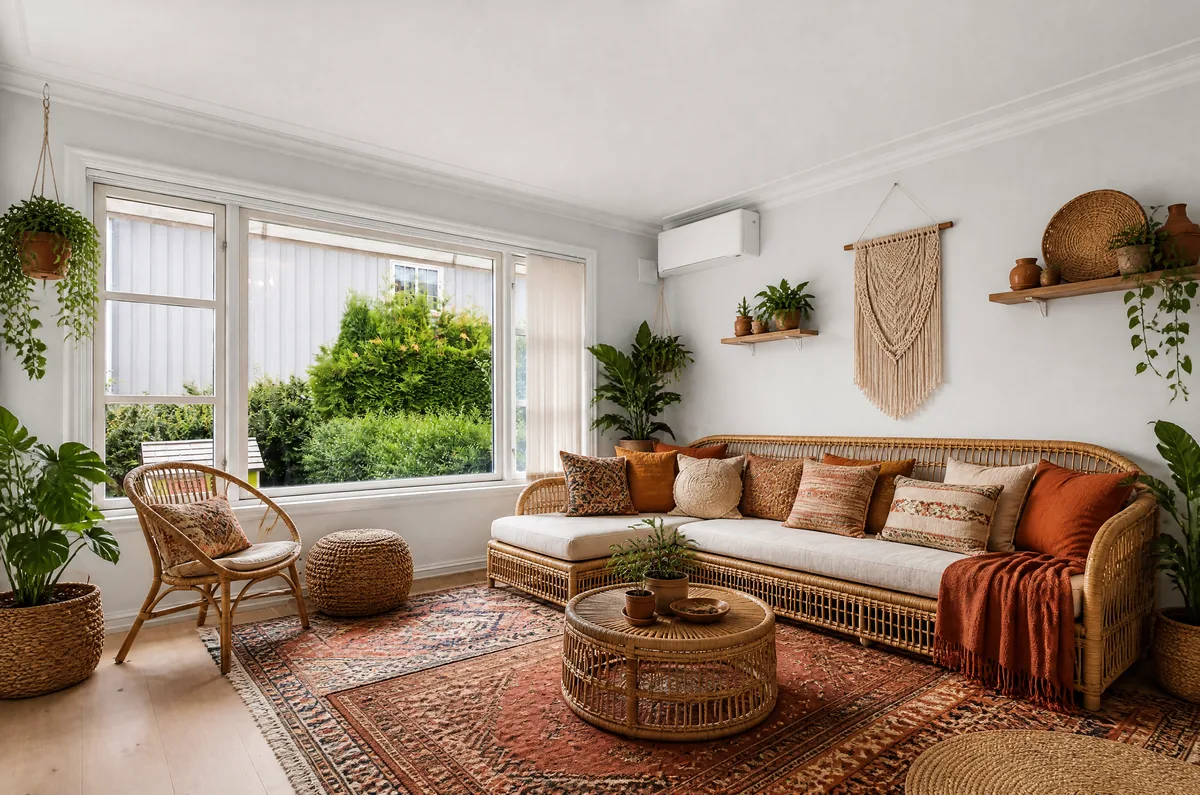
Boho
Living Room. Woven textures and layered color.
AI-generated example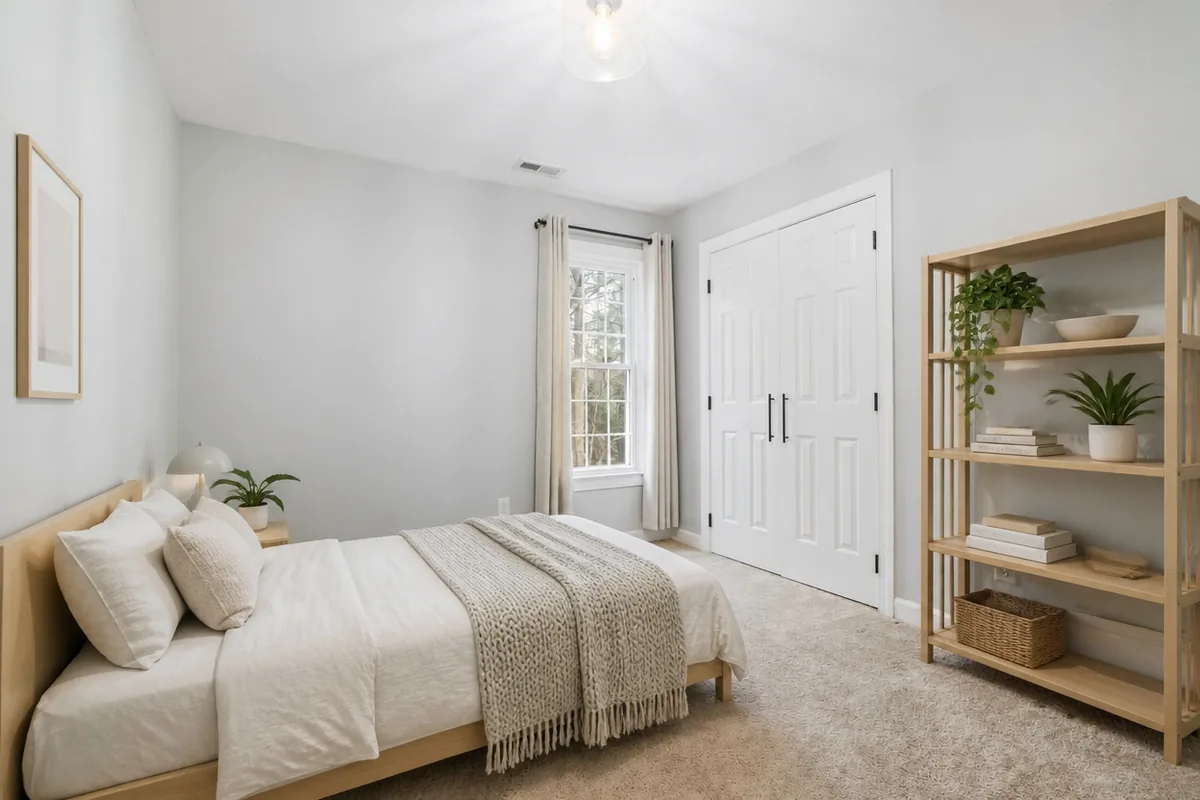
Scandinavian
Bedroom. Light oak and soft linen.
AI-generated exampleSee it in your space
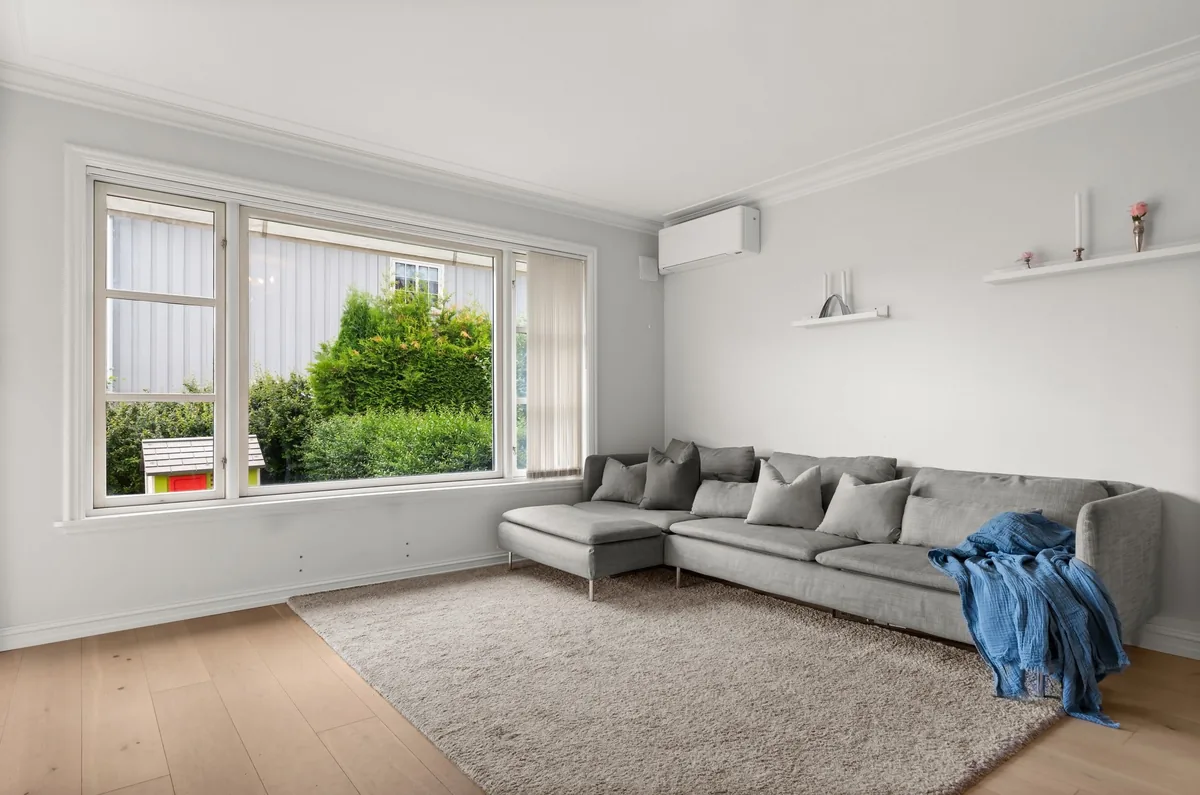
Upload a room photoCompare four visual directions from one room photo, starting with one free watermarked image without account registration or a card. Our Room Pack costs $4.99 once for twenty images, with no subscription. Use the comparison for inspiration, then verify real dimensions separately.
What makes a Mid-century comparison useful?
A Mid-century comparison is useful when you want to test lighter furniture silhouettes and stronger geometric relationships. Look at the gap beneath seating, the shape of a table and the balance of warm timber against upholstery. The aim is not to reproduce a museum interior.
Keep everyday comfort and useful pieces you already own, then explore whether a few changes in shape or proportion make the room feel more coherent.
How much color should I introduce?
Introduce one clear accent before judging a full mixed palette. Mustard, teal or a muted orange can work as a visual counterpoint to timber, but a generated image may use more saturation than you enjoy in daily life. Compare a restrained version against a more colorful direction in the same photograph.
Place real fabric samples near your existing furniture and observe them in evening light before choosing a permanent finish.
Which furniture details should I inspect?
Inspect legs, arms and storage clearances rather than trusting a recognizable silhouette. A model may generate a chair with an implausible support or a cabinet whose doors could not open. Check the dimensions of any real item you later consider and ensure it suits the way the room is used.
An image inspired by a historical style is not an identification of an authentic vintage object or a guarantee of construction quality.
How can I keep the room from feeling themed?
Keep the palette selective and let a few useful shapes do the work. Repeating every familiar motif can make a room feel like a set rather than a place to live. Mix the selected ideas with existing practical furniture, then remove accessories that serve only to reinforce a label.
A successful comparison should help you describe the proportions and materials you like without requiring a complete stylistic commitment.
What should I check around windows and doors?
Check that the style change has not altered fixed openings or exaggerated ceiling height. A low sofa can make architecture appear taller, but the actual wall and window dimensions should remain recognizable. Use the slider to compare frame corners and circulation routes.
Reject a result that achieves a spacious look by removing a door or inventing floor area. The preserved room is the test case, not an interchangeable backdrop.
How can I test this direction inexpensively?
Test a small textile or a rearrangement before committing to large furniture. The color strip can help describe your chosen balance, but it does not map to a paint brand or available product. Photograph the real adjustment from the original angle and compare its practical effect.
Keep what improves the room for your household; discard ideas that look appealing only under the unusually perfect lighting of a digital illustration.
A few things to know
Is the first image free and does it need an account?
The intended live flow includes one watermarked image without account registration or a card. Email and verification protect the allowance.
What does Room Pack include?
Room Pack contains twenty image credits for a one-time $4.99 payment. It has no subscription or credit expiry. Each new standard or HD image uses one credit.
Can these images establish measurements or building feasibility?
No. A photograph and a generated comparison cannot replace dimensions, site information or appropriate professional advice. Check fixed openings and room proportions against the original before using a result as visual inspiration.
How are photos handled?
The browser re-encodes the complete frame without cropping and removes embedded location metadata. Stored inputs and results are private and expire after thirty days. Remove visible personal details and people from the scene before uploading.
What happens if an image is rejected or a pack is unused?
A confirmed failed or rejected generation returns its credit once. Fully unused packs are refundable within seven days; partly used packs do not qualify for that refund.
What happens to my photo?
The whole photo is retained and location metadata is removed. Personal redesigns, when available, use private storage with a 30-day expiry; existing examples do not transform your upload.